Choose what
fits today.
Tell the coach what you’re working toward, how much time you have and what you trained last time. Start the conversation with the day you actually have.
Personal strength coaching
You’ve made time. Know what to do with it.
Plan your training with an AI coach, then open your workout and log each set as you go. Scvlpt keeps the session and your progress together, so you have something to build on next time.
For iPhone · In development · Free to join the list
 MANY FORMS.
A plan for today. A record for next time.
Tell the coach what you’re working toward, how much time you have and what you trained last time. Start the conversation with the day you actually have.
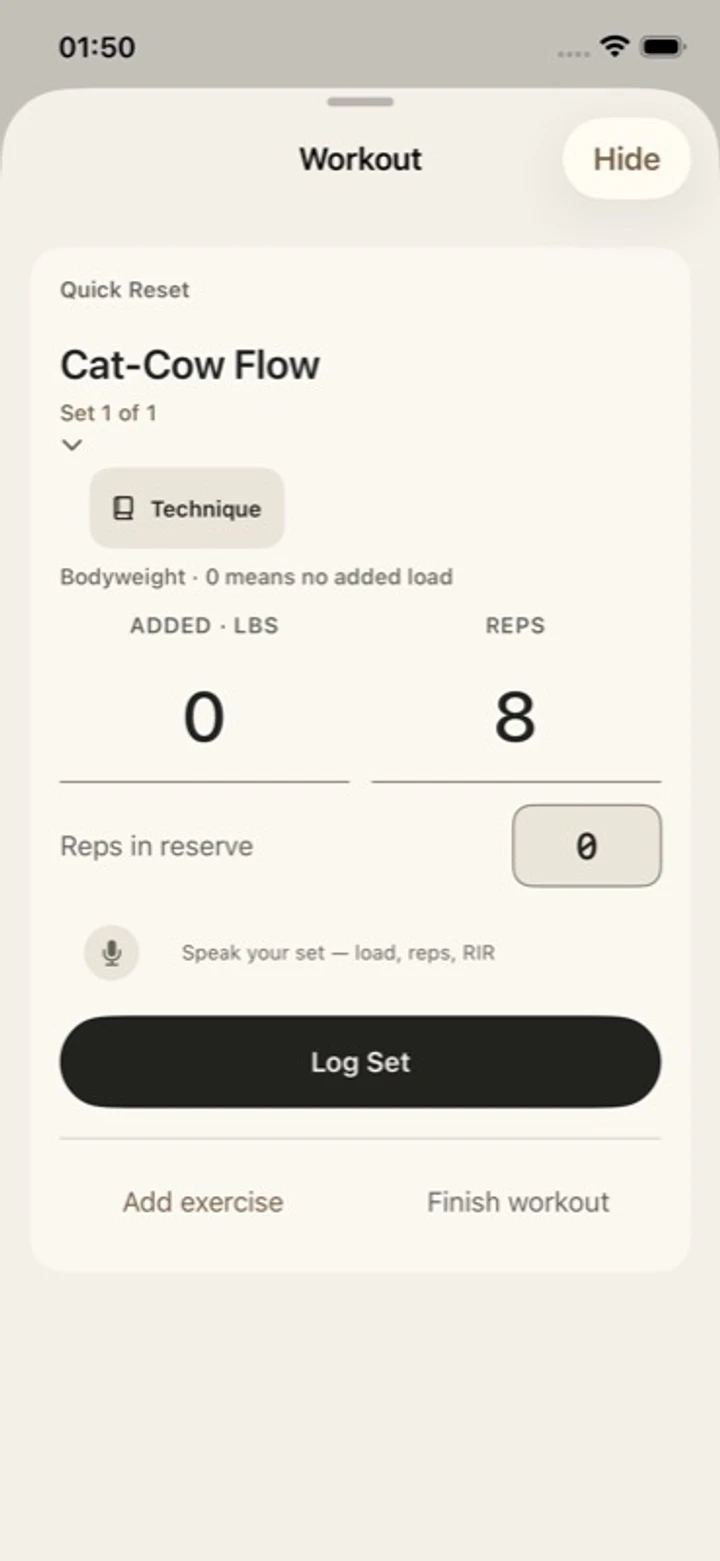
Open your workout from the Coach screen. Log the set, follow your rest and return to the conversation when you need it.
Revisit saved workouts and dated measurements. Keep a record of the training you’ve done, including the weeks when progress is less obvious.
Inside the app
Choose what fits today, then follow a session through its sets and rest. These development screens use fictional sample data.
Native development captures from October 2026, using fictional sample data.
Switching these screens does not record a workout.
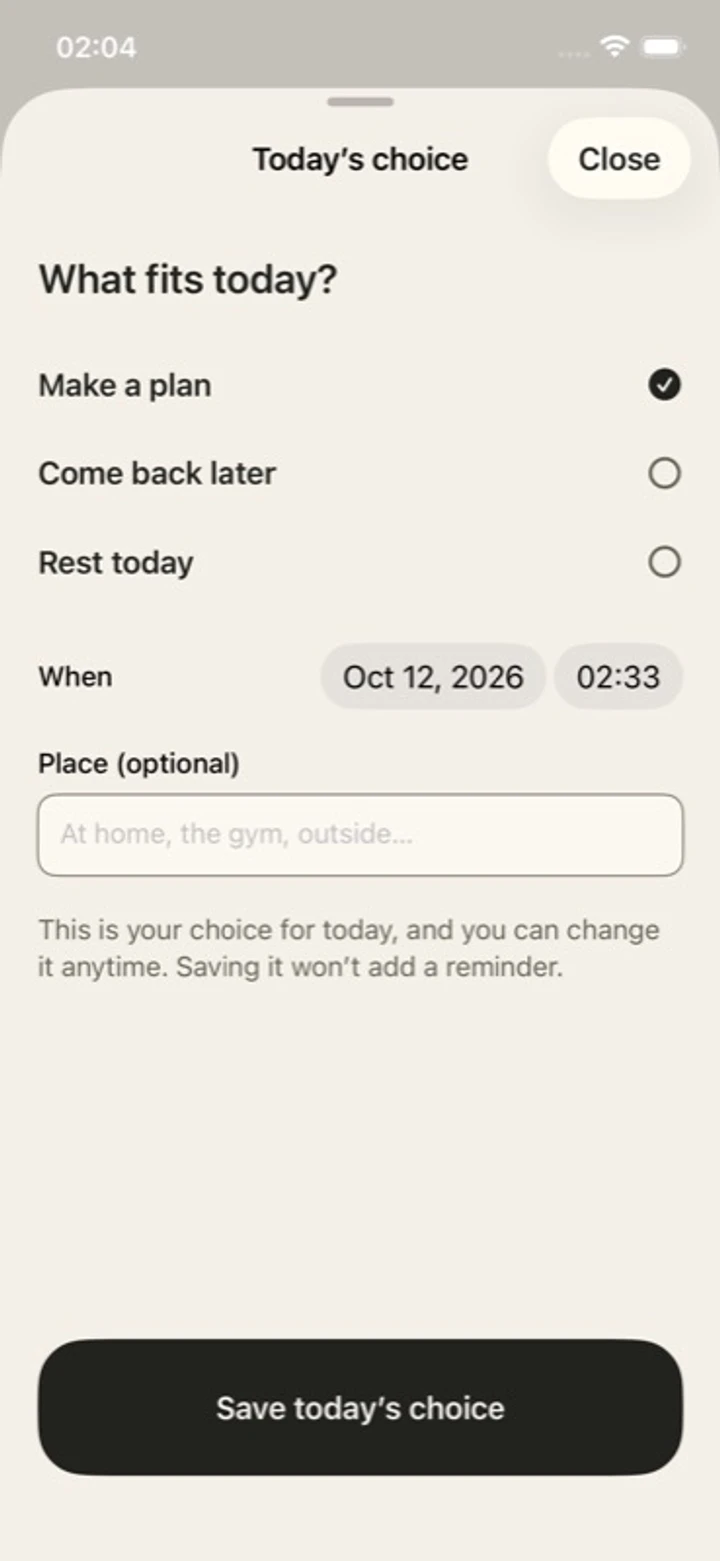
Start with a plan for today, including the choice to rest.
 YOUR TRAINING.
Built around your day
You don’t arrive at every session in the same place. Share your goals, recent training and how you feel today to give the coach a useful starting point.
Your goals and timePlan around the training you want to do and the time you have.
Your recent trainingKeep the previous session in the conversation.
Your check-inSay how you feel. Add available Apple Health readings if you choose.
No wearable required. Available Health readings depend on your device, source app and permissions.
Your progress, over time
One session rarely tells the whole story. Saved workouts and dated body measurements let you look back at what you’ve been doing over time.
Training and body history, with dates attached.
Meal logging, protein targets and optional voice guidance sit alongside your training. Features can vary between development builds.
Join the early-access list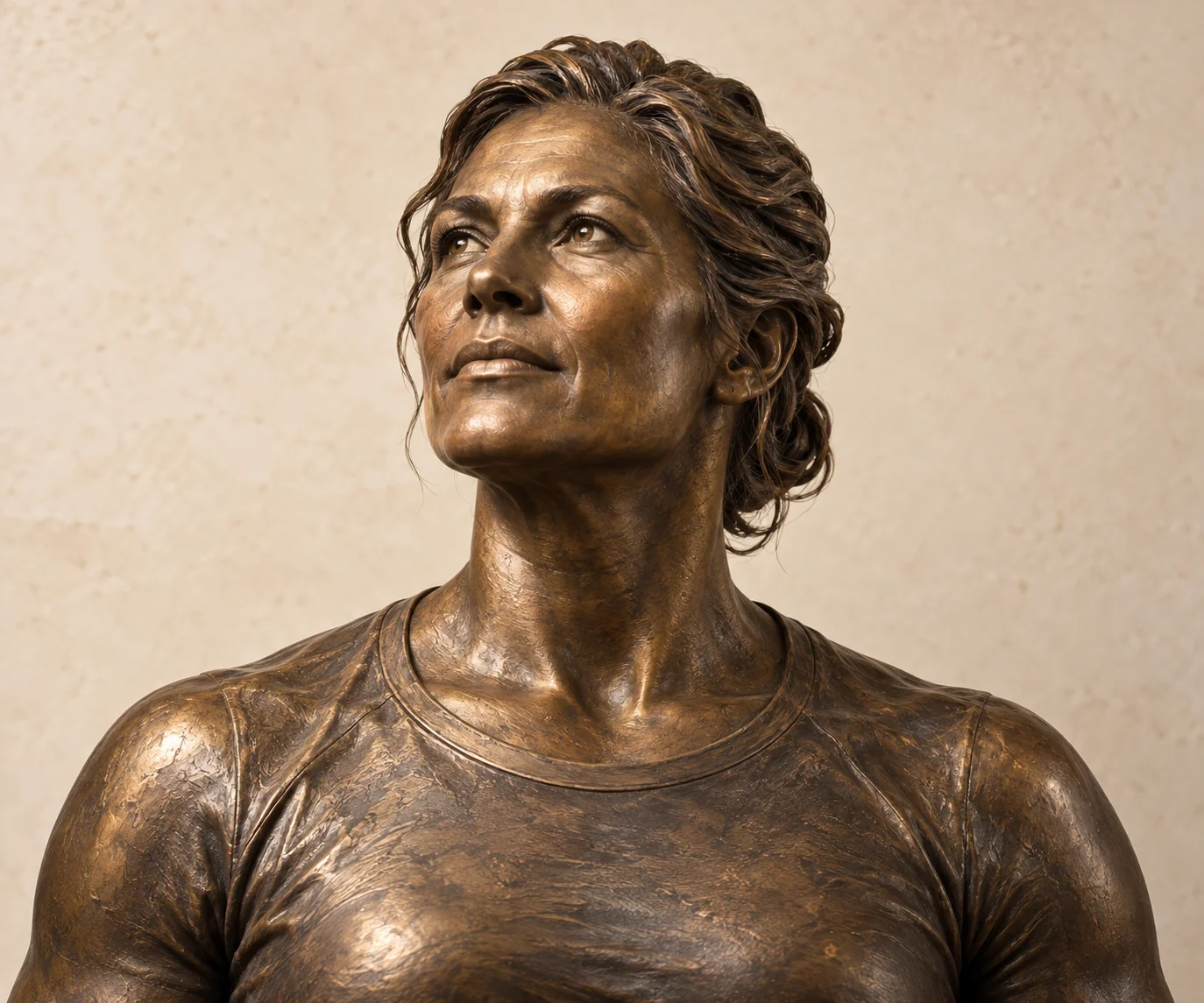
Original sculpture artwork.
The context you choose to share
Coaching uses AI and the context you share. Apple Health is optional, and you can review the coach’s saved memory. The app privacy policy explains what can leave your device and which services process it.
App privacy Early-access privacyScvlpt for iPhone
Join the list for what comes next.
We’re building Scvlpt for people returning to strength training and making it part of real life. Leave your email for access and launch updates. The app is in development; joining the list does not give you immediate access.
Ideas we’re exploring
We’re exploring a personal 3D sculpture informed by measurements and optional photos, along with camera-assisted exercise feedback. Neither feature is available yet.
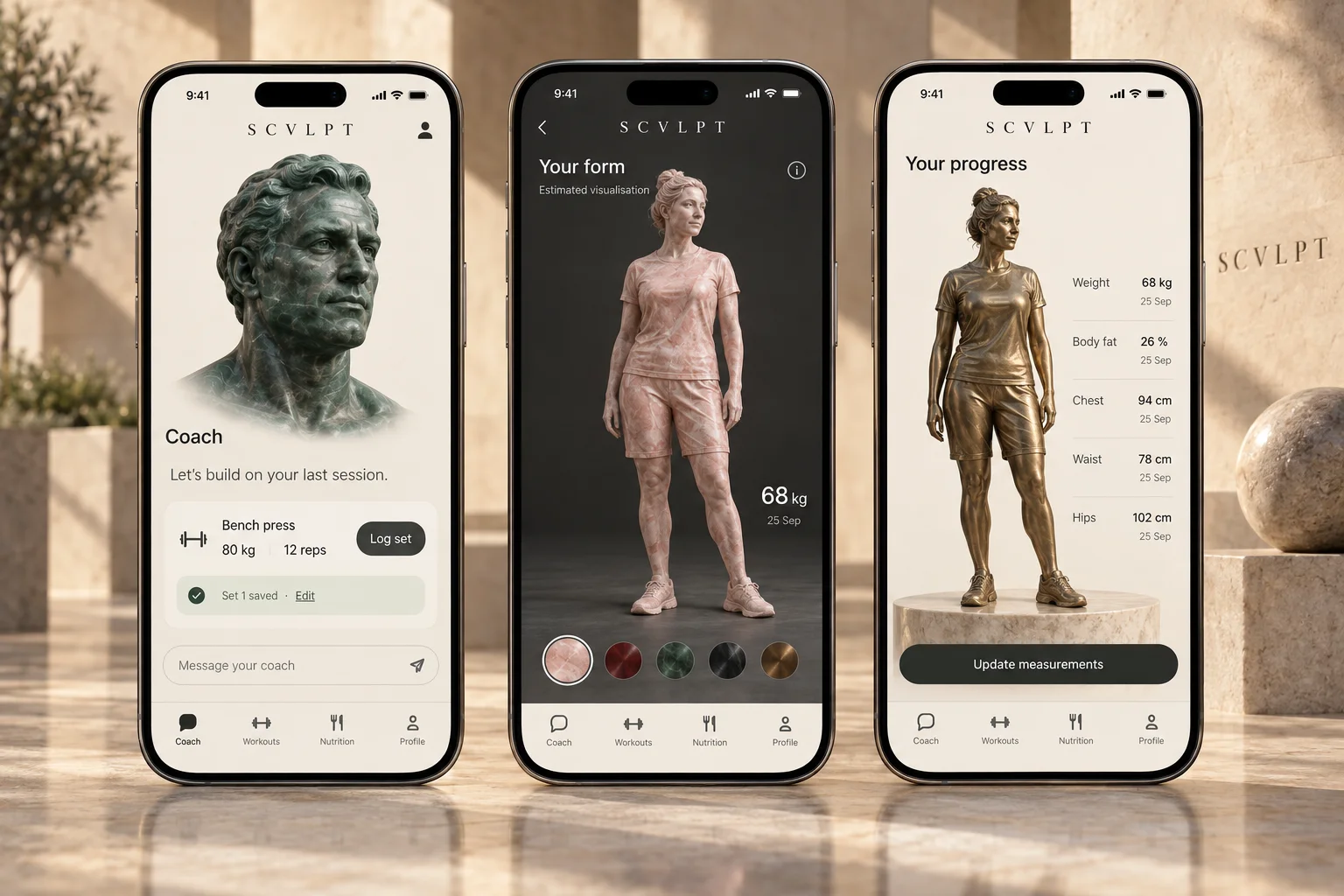
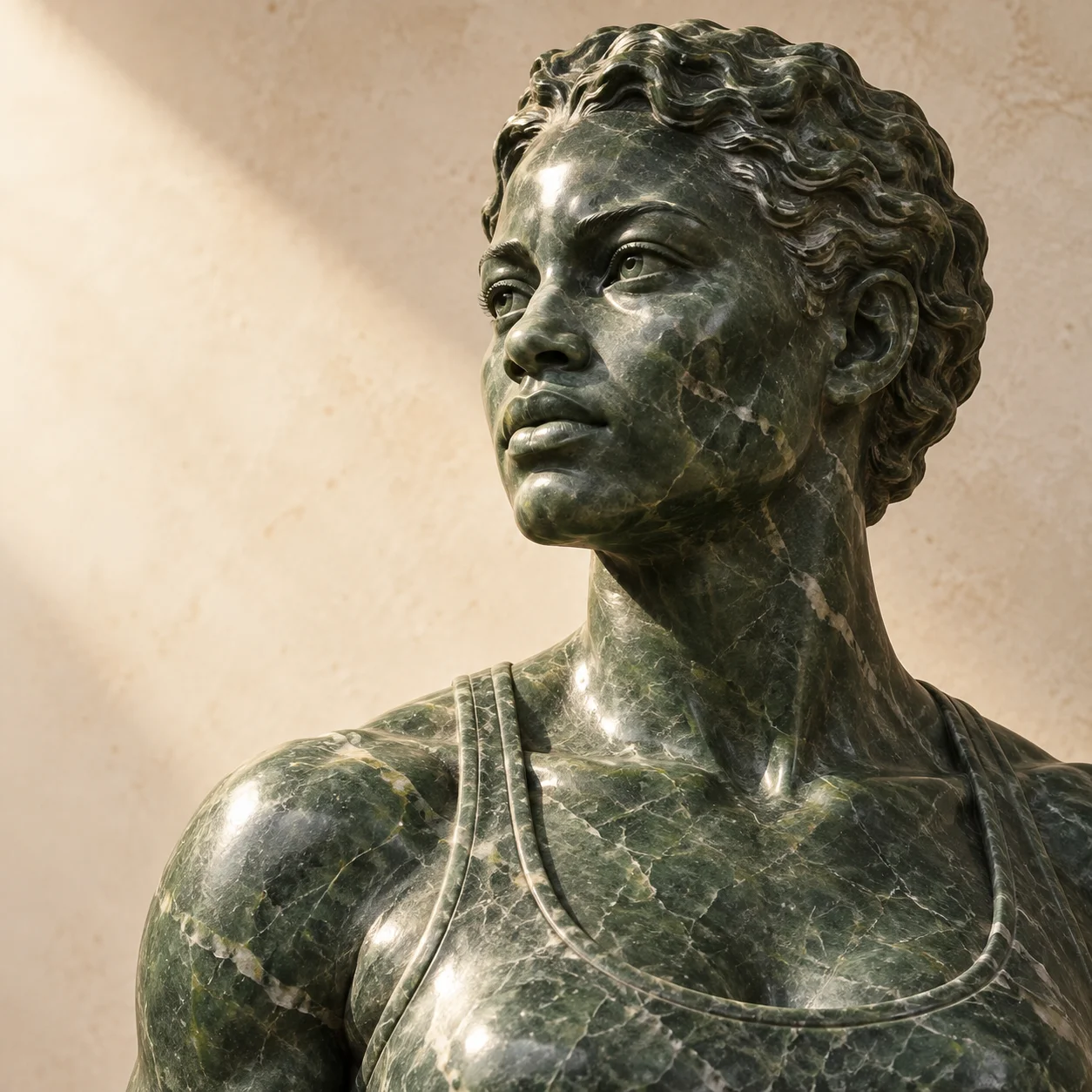
Pink and green marble, deep red stone, bronze and steel. The material would be a personal choice, open to everyone.
A few useful answers
Scvlpt is in development for iPhone. Join the list for access and launch updates. Signing up does not guarantee an invitation or a release date.
That’s who we’re building for: people who want to get stronger again and fit training into real life. Your goals, available time and training experience give the coach a starting point.
No. You can use manual check-ins. Optional Apple Health access adds available activity, sleep and recovery context; readings depend on your device, source app and permissions.
Joining the list is free. Subscription prices and any trial terms will be confirmed before paid access opens. You’ll see the applicable terms before subscribing.